

The Tools Every Independent Band Needs in 2026
A practical guide to the tools for independent musicians that help bands promote releases, book gigs, present themselves professionally, and manage their money.
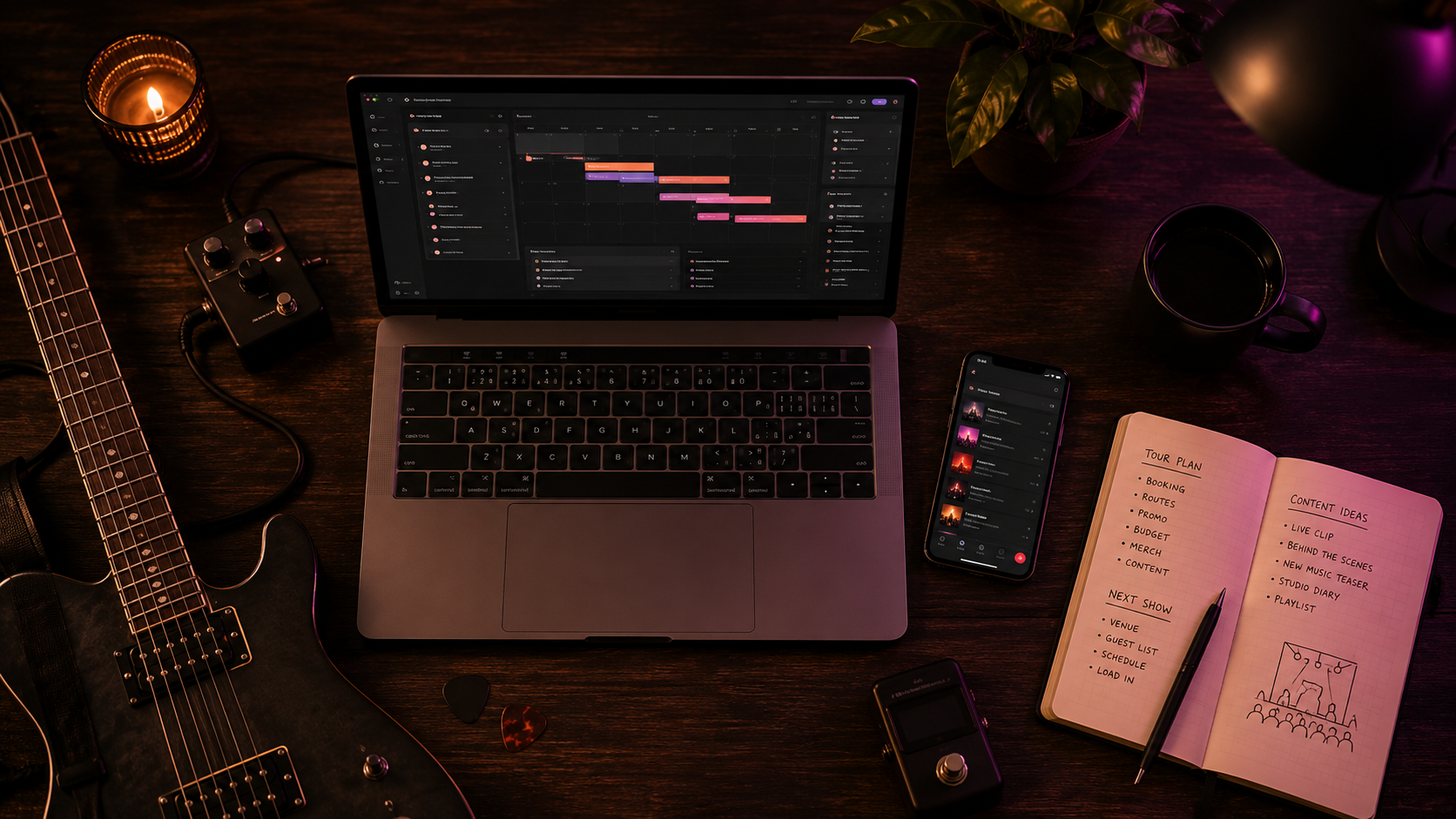
Running an independent band means doing much more than writing songs and playing shows.
Without a manager, booking agent, social media team, or accountant, the band usually has to handle everything itself. That includes planning content, contacting venues, updating the press kit, organizing tour dates, tracking expenses, and checking whether each show made money.
The right tools for independent musicians can make this work easier. The goal is not to use as many apps as possible. It is to choose a simple set of tools that your whole band can understand and use consistently.
This guide explains the main categories of band management software, what to look for in each one, and why connected tools are often better than several separate apps.
The Four Jobs Every Independent Band Juggles
Most of the work outside the music fits into four areas:
- Promote: Create content, publish posts, and keep fans interested.
- Book: Find venues, contact promoters, and follow up on opportunities.
- Present: Maintain a professional band page, biography, photos, music, and EPK.
- Get paid: Track show fees, merchandise sales, expenses, and profit.
Your band may use one tool for each job or choose a platform that connects several of them.
Before paying for any app, decide which problems are currently costing your band the most time or money.
When a Free Tool Is Enough
| Job | Simple starting option | When a dedicated tool may help |
|---|---|---|
| Content planning | Shared calendar and document | Several members approve and schedule posts across platforms |
| Venue outreach | Contact sheet and email | Follow-ups and conversation history are becoming hard to track |
| Show money | Spreadsheet with one row per transaction | You need show-by-show reports and member splits |
| EPK | One current page with music, video, photos and contact | Several members frequently update the same public information |
Choose the simplest setup your band will maintain. Reassess it when duplicated work or missed follow-ups become a real cost.
1. Social Media Planning and Publishing Tools
Social media is still one of the main ways independent bands announce releases, promote gigs, share live clips, and stay connected with fans.
However, posting without a plan often creates the same problems:
- Members forget to publish important announcements.
- The band repeats the same type of content.
- Posts are rushed at the last minute.
- Different platforms receive inconsistent information.
- Nobody knows what has already been scheduled.
A good social media tool should help the band prepare content before it is needed.
What to Look for in a Social Media Tool
- A visual content calendar
- Draft and approval options
- Scheduling for the platforms your band actually uses
- Support for images and video
- Platform previews
- Multiple social account connections
- Clear publishing results and error messages
- A simple workflow that band members will use
Do not choose a tool only because it supports a large number of platforms. A simple scheduler for the two platforms your audience uses is more valuable than a complex system nobody understands.
Useful Social Content to Plan
Your content calendar might include:
- Release announcements
- Gig posters
- Live clips
- Rehearsal footage
- Behind-the-scenes content
- Band member posts
- Merchandise promotion
- Ticket reminders
For a complete content strategy, read The DIY Band's Social Media Playbook.
2. Content Creation Tools
Your band does not need a full design department, but it does need a reliable way to create visual content.
Useful content creation tools may include:
- Graphic design apps
- Photo editing tools
- Short-form video editors
- Subtitle and caption generators
- File compression tools
- Cloud storage for photos and videos
What to Look for in a Design Tool
- Templates that can match your band's visual identity
- Correct sizes for social media platforms
- Easy image and logo uploads
- Shared folders or team access
- Simple export options
Create a small set of reusable templates for common posts. For example, keep one design for show announcements, one for release news, and one for tour updates.
This keeps the band visually consistent and reduces the time needed to create each post.
3. Caption and Writing Tools
Writing every caption from a blank page can slow down your content process.
Writing and AI tools can help with:
- Creating first drafts
- Suggesting different opening hooks
- Shortening long announcements
- Creating platform-specific versions
- Improving calls to action
- Correcting grammar and spelling
Use these tools as assistants, not replacements for your band's personality.
A useful writing tool should let you provide information about:
- Your band's tone
- The release or event
- The audience
- The platform
- The action you want fans to take
Always review AI-generated text before publishing. Check dates, venue names, ticket links, and any claims about the band.
4. Venue and Promoter Contact Tools
Booking gigs becomes difficult when venue contacts are spread across email, social media messages, notes, and spreadsheets.
A booking contact tool should help your band build a structured directory of:
- Venues
- Festivals
- Promoters
- Record labels
- Press and media contacts
What to Look for in a Booking CRM
A CRM is a system for managing contacts and conversations.
Useful features for bands include:
- Searchable contact records
- Venue type, city, country, and genre notes
- Contact names and email addresses
- Follow-up reminders
- Contact history
- Email templates
- CSV import and export
- Status labels for active leads and confirmed shows
The tool should make it easy to answer:
- Who have we contacted?
- When did we contact them?
- Did they reply?
- When should we follow up?
- Which venues have booked us before?
For a complete outreach process, read How to Book Gigs: The Complete Guide for Unsigned Bands.
5. Email Outreach Tools
Booking outreach becomes faster when your band can reuse a strong email structure without rewriting everything.
A useful outreach tool should support:
- Reusable email templates
- Personalized venue and band details
- Message previews
- Sent email history
- Delivery or failure status
- Follow-up tracking
Templates should save time without making every email feel identical.
Personalize at least:
- The contact name
- The venue or festival
- The city
- The date or opportunity
- The reason your band is a suitable fit
Use our venue booking email template as a starting point.
6. Tour Planning Tools
A tour is more than a list of confirmed dates. Your band also needs to understand the route, travel time, costs, and show details.
Tour planning tools may include:
- A calendar
- A map
- Route planning
- Shared show notes
- Accommodation details
- Load-in and soundcheck times
- Financial records
What to Look for in a Tour Planner
- List, calendar, and map views
- Venue addresses
- Show status
- Performance fee fields
- Ticket and event links
- Notes about other bands
- Easy access for every member
A route that looks good on a calendar may be expensive or unrealistic on a map.
For help with routing and costs, read How to Plan a DIY Tour That Doesn't Lose Money.
7. EPK and Band Website Tools
Your band needs one professional place where promoters, press contacts, and fans can find accurate information.
This can be a full website, a hosted EPK page, or a simple public band page.
What Your Public Band Page Should Include
- A short biography
- Your best music
- A live video
- Professional photos
- Band members
- Upcoming shows
- Streaming and social links
- Booking contact details
- A downloadable EPK or press kit
What to Look for in an EPK Tool
- One easy link to share
- Mobile-friendly design
- Music and video embeds
- Downloadable press photos
- Current show information
- A contact form
- Simple updates
- Page analytics
Your EPK should be easy to update. A beautiful page with old members, expired dates, or broken links is not useful.
Read How to Make an EPK That Helps Your Band Book Shows.
8. Band File Storage Tools
Bands create a large number of files:
- Press photos
- Logos
- Artwork
- Audio masters
- Instrumental versions
- Live videos
- Technical riders
- Contracts
- Receipts
Use a shared cloud folder instead of storing important files on one member's computer.
Use a Clear Folder Structure
A simple structure might be:
- 01 — Band Photos
- 02 — Logos and Artwork
- 03 — Music Masters
- 04 — Live Video
- 05 — EPK and Biography
- 06 — Booking and Contracts
- 07 — Finance and Receipts
Use consistent file names that include the project, date, and version.
For example:
band-name-press-photo-horizontal-2026.jpg
9. Band Communication Tools
Important decisions should not disappear inside a long group chat.
Your band may need:
- A group messaging app
- Separate channels for different topics
- A shared calendar
- A task list
- A place for final decisions
Separate Chat From Decisions
Chat is useful for quick discussion. It is not always good for storing final information.
After agreeing on something important, record it in the correct place:
- Show details in the tour calendar
- Expenses in the finance tool
- Contacts in the booking system
- Content in the social calendar
- Files in shared storage
This prevents members from searching through months of messages to find one address or payment agreement.
10. Band Budget and Expense Tools
Good financial tools help your band understand the difference between revenue and profit.
A band finance tool should track:
- Show guarantees
- Ticket income
- Merchandise sales
- Fuel
- Travel
- Accommodation
- Food
- Gear
- Promotion
- Member-paid expenses
What to Look for in Band Finance Software
- Expense categories
- Per-show income and costs
- Receipt storage
- Member expense splits
- Monthly reports
- Revenue versus expense charts
- Profit or loss for each show
- CSV export
The most useful calculation is:
Show fee + ticket income + merchandise sales − show costs = net show result
For a complete finance system, read How to Make Money From Your Band Without a Label.
11. Merchandise Sales Tools
Merchandise is an important source of income for many independent bands.
Useful merchandise tools may help with:
- Online sales
- Stock quantities
- Product sizes
- Card payments at shows
- Shipping
- Sales reports
What to Look for in a Merch Tool
- Simple product management
- Low or clear payment fees
- Mobile card payments
- Inventory tracking
- Sales exports
- Support for your main countries and currencies
Do not review merchandise revenue without including production and payment costs.
A T-shirt that sells for €20 is not €20 of profit.
12. Music Distribution and Royalty Tools
A music distributor delivers your releases to streaming and download platforms.
When comparing distributors, consider:
- Annual fees
- Commission on royalties
- Release limits
- Delivery speed
- Payment methods
- Royalty splits
- Artist support
- Content identification services
A distributor is only one part of music rights management.
Your band may also need to register:
- Songwriting ownership
- Publishing rights
- Performance rights
- Recording ownership
Keep accurate records of writers, percentages, recordings, and release information.
13. Analytics Tools
Analytics help your band understand where attention and income are coming from.
Useful metrics include:
- Social post performance
- Follower growth
- Streaming locations
- Public page views
- Link clicks
- Ticket sales
- Merchandise sales
- Profit per show
Do not track numbers only because they are available.
Focus on metrics that can change a decision. For example:
- A city with strong listeners may become a tour target.
- A post with many ticket clicks may become a reusable format.
- A venue with repeated losses may be removed from the next route.
The Problem With Using Too Many Band Apps
It is easy to build a complicated system:
- One app for social posts
- One spreadsheet for venues
- One calendar for shows
- One document for email templates
- One folder for receipts
- One spreadsheet for gig profit
Each tool may work well on its own. The problem is the information does not stay connected.
Common Problems With Disconnected Tools
- The same information must be entered several times.
- Band members use different versions of a document.
- Contact history is lost.
- Show fees are separated from show expenses.
- Public dates do not match the internal calendar.
- Important updates are forgotten.
For a small team, simplicity is important. Every extra tool creates another login, another subscription, and another place that must be kept updated.
Why One Connected Tool Can Be Better
A connected system allows the same information to support several jobs.
For example:
- A show added to the booking calendar can also appear on the public band page.
- A venue record can include its contact history and sent emails.
- A show fee can connect directly to expenses and profit reports.
- Band profile information can be reused in an EPK and booking emails.
- Social posts can be planned around confirmed tour dates.
This reduces repeated work and makes it easier for every member to see the same information.
However, one connected tool is only useful if it does the important jobs well. Do not choose an all-in-one platform simply because it offers many features.
How to Choose the Best Apps for Your Band
Before choosing the best apps for bands, ask these questions:
- What problem does this tool solve?
- Will every member who needs it actually use it?
- Does it replace an existing tool or create another one?
- Can we export our information?
- Does it support our main platforms and currency?
- Is the price reasonable for our current activity?
- Can several bands or projects be managed separately?
- Is the information easy to update?
Choose Tools for Your Current Stage
A new band may only need:
- Shared file storage
- A content calendar
- A public EPK page
- A simple venue list
A regularly touring band may also need:
- Booking CRM
- Email templates
- Tour maps
- Expense tracking
- Per-show reports
Do not pay for complicated systems before your band needs them.
A Simple Tool Stack for a New Band
A new band can begin with:
- A shared calendar
- Cloud file storage
- A social content planner
- A hosted EPK page
- A basic venue contact list
- A simple income and expense tracker
The goal is to create habits before adding more software.
A Tool Stack for a Gigging and Touring Band
A more active band may need:
- Multi-platform social scheduling
- A structured venue and promoter CRM
- Reusable booking email templates
- A tour calendar and map
- A hosted EPK
- Expense tracking
- Member cost splits
- Per-show profit reports
At this stage, connected band management software can reduce a large amount of repeated administration.
Common Mistakes When Choosing Music Promotion Tools
Choosing Tools Before Defining the Problem
Do not subscribe to an app only because other bands use it. Decide what you need it to improve.
Using Too Many Platforms
A complicated system creates more work when information must be copied between several apps.
Ignoring Export Options
Your band should be able to export important contacts, expenses, and other records.
Paying for Features Nobody Uses
Choose a plan that matches your current activity, not the band you hope to become several years from now.
Not Giving Every Member Access
Important band information should not live only inside one person's account or computer.
Failing to Keep Information Updated
The best software cannot help if the band does not record new shows, contacts, income, and expenses.
Independent Band Tools Checklist
Your band should have a reliable way to manage:
- Social media content
- Photos and video
- Caption writing
- Venue and promoter contacts
- Booking outreach
- Tour dates and routes
- Band biography and EPK
- Shared files
- Band communication
- Income and expenses
- Merchandise sales
- Music distribution and rights
- Performance analytics
How Band Social Helps
Use Social for drafts, scheduling, the public band page and EPK. Use Booking for contacts, outreach history, tour dates, expenses and per-show reports.
Start with the module that solves the work your band actually has; compare the current plan details on the pricing page before choosing a tier.
Frequently Asked Questions
What tools do independent musicians need?
Most independent musicians need tools for social media, content creation, booking contacts, email outreach, tour planning, file storage, EPK management, and financial tracking.
What is band management software?
Band management software helps organize work such as social content, venue contacts, shows, outreach, expenses, and shared band information.
What are the best apps for bands?
The best apps depend on the band's needs. Choose tools that solve a clear problem, are easy for members to use, and reduce repeated work.
Does a new band need paid software?
Not always. A new band can begin with simple free tools. Paid software becomes more useful when the band has regular content, booking outreach, tours, and financial records to manage.
Should a band use one tool or several?
Use the smallest number of tools that can manage the work properly. Connected tools are often easier for a small team, but specialist apps may be useful for advanced needs.
What should music promotion tools include?
Useful music promotion tools should support content planning, publishing, consistent branding, audience links, and performance analytics.
How can a band keep track of venues?
Use a searchable contact system containing venue details, contact names, email addresses, outreach history, replies, and follow-up dates.
How should a band track gig income?
Record the performance fee, ticket income, and merchandise sales, then subtract travel, accommodation, food, merchandise costs, and other expenses.
Choose Tools That Give the Band More Time for Music
The best tools for independent musicians do not create more administration. They reduce it.
Your band needs a clear way to promote, book, present itself professionally, and understand its finances. Start with those four jobs and choose tools that make the information easy to find, update, and share.
A connected system can be especially useful for a small team because one show, contact, expense, or band profile update can support several parts of the workflow.
The goal is not to build the most complicated setup. It is to create a reliable system that helps your band release music, book better shows, and make smarter decisions.
Run your band on Band Social
Publishing, scheduling and press kit with Social; venues, outreach and tour money with Booking.
Start free